yext
Dinner Roulette Pro Owner verified
227 104th Ave NW Minneapolis, MN, 55448Last time updated: 4/1/26, 12:44 AM
About
We are an AI meal planning app based in Minnesota that simplifies deciding what to cook. Our app uses an AI-powered roulette wheel to generate personalized recipes based on your preferences, making home cooking enjoyable and stress-free for families. We offer services like recipe generation, dietary restriction management, and nutrition analysis to help you find convenient meal ideas and engaging cooking solutions.
Images
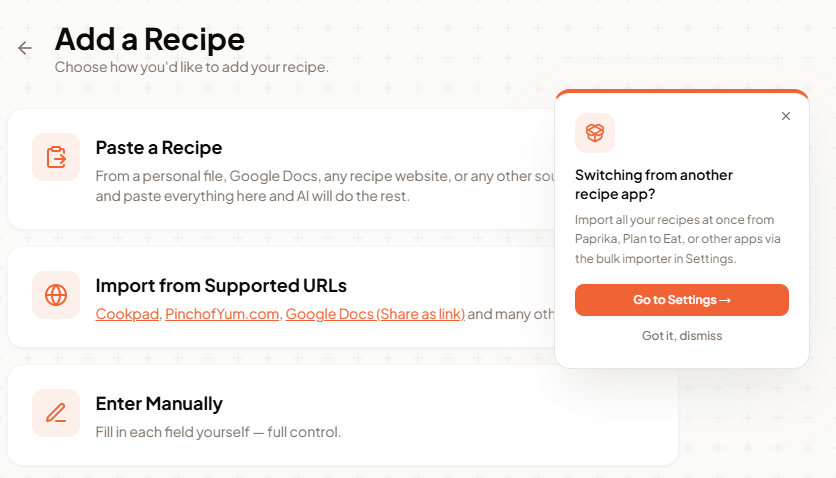
A screenshot of a mobile app screen titled 'Add a Recipe' with three options: 'Paste a Recipe,' 'Import from Supported URLs,' and 'Enter Manually.' A modal pop-up window overlays the right side of the screen, asking 'Switching from another recipe app?' and offering to import recipes from other apps to Settings.
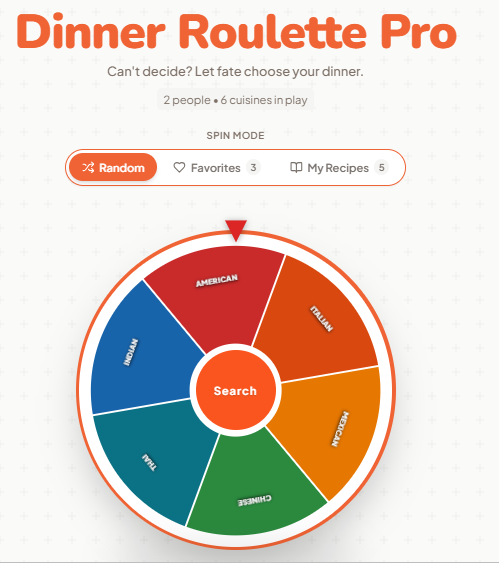
A digital roulette wheel with six sections representing different cuisines: American, Italian, Mexican, Chinese, Thai, and Indian. The wheel has a central orange button labeled 'Search' and is part of a web application called 'Dinner Roulette Pro'. The application's title is displayed prominently at the top in large orange text. Below the title, a tagline reads "Can't decide? Let fate choose your dinner." and further details indicate "2 people • 6 cuisines in play". There are three interactive buttons above the wheel: 'Random', 'Favorites' (with a count of 3), and 'My Recipes' (with a count of 5). The background features a subtle pattern of small gray plus signs.
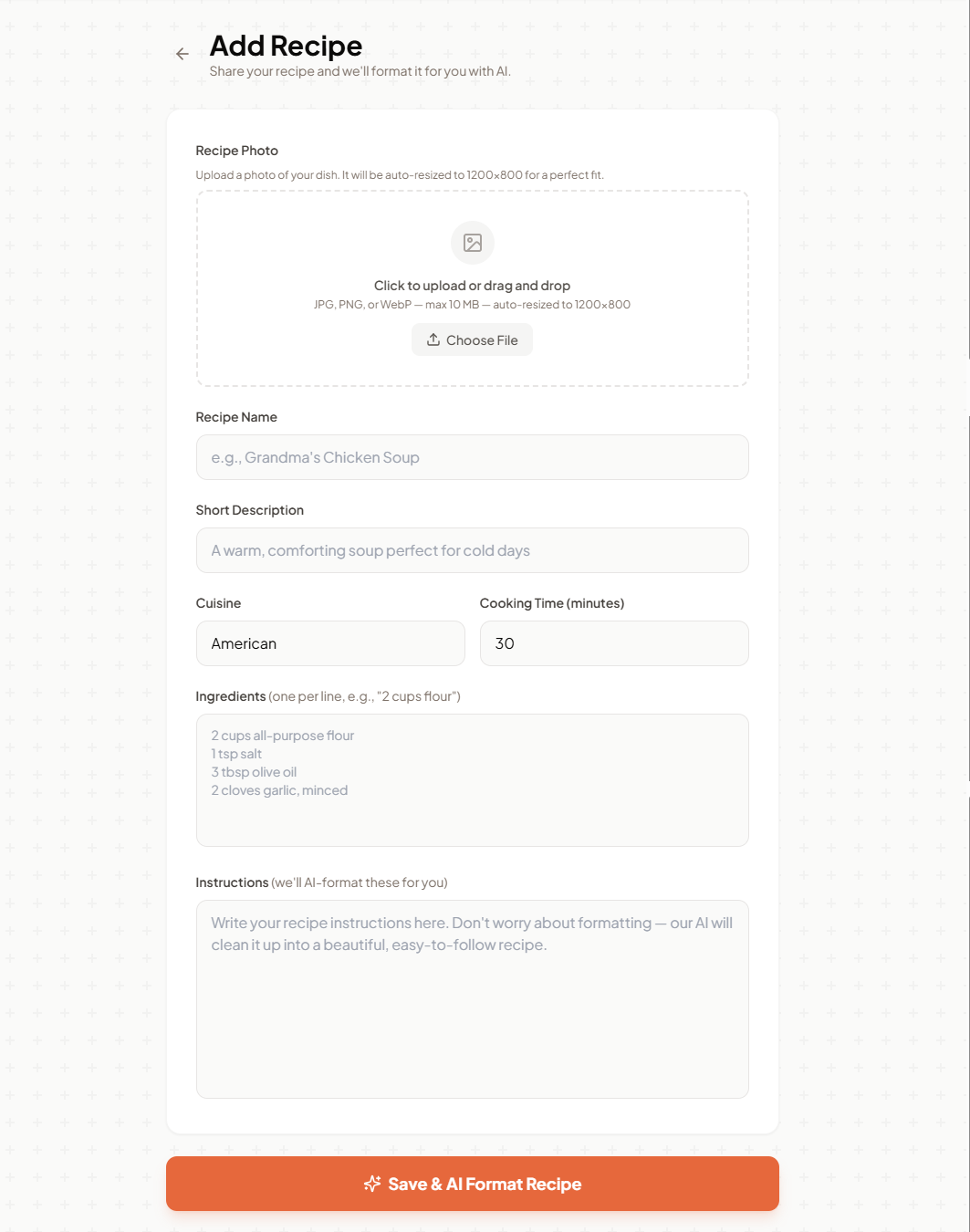
A screenshot of a recipe submission form titled 'Add Recipe'. The form includes fields for recipe photo upload, recipe name, short description, cuisine, cooking time, ingredients, and instructions. A button at the bottom reads 'Save & AI Format Recipe'.
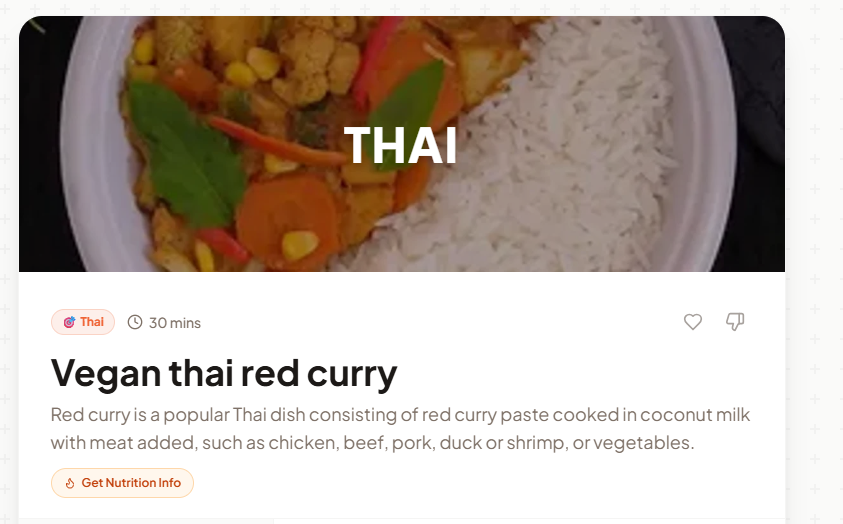
A close-up shot of a Thai dish, likely vegan red curry, served with white rice. The curry appears to be a rich, reddish-orange color and contains various vegetables like carrots, corn, and possibly cauliflower, along with green leafy herbs. The dish is presented in a white bowl or plate, with the text "THAI" superimposed over the curry portion. Below the image, the dish is identified as "Vegan thai red curry" with a prep time of "30 mins". A button labeled "Get Nutrition Info" is also visible.
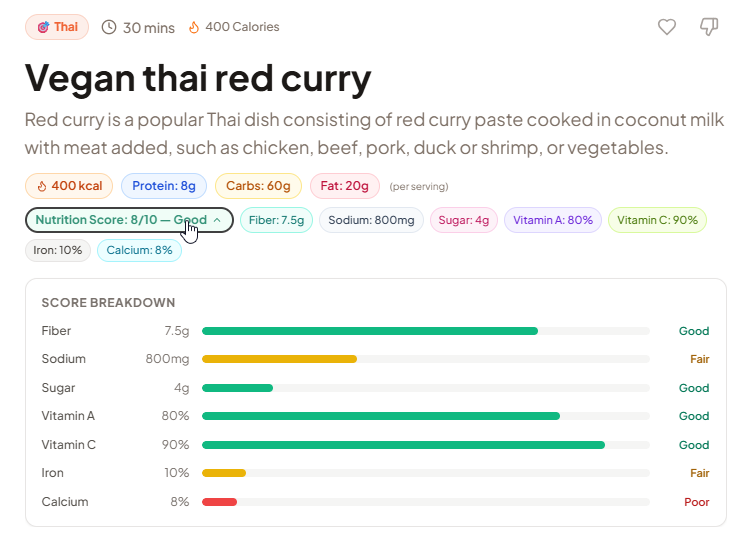
A digital interface displaying nutritional information for Vegan Thai Red Curry. The interface shows the dish's name, a brief description, and various nutritional values like calories, protein, carbs, and fat. Below this, a detailed breakdown of the "Nutrition Score" is presented, with individual scores for fiber, sodium, sugar, vitamins A and C, iron, and calcium. Each nutrient has a bar graph indicating its level and a qualitative assessment (Good, Fair, Poor).
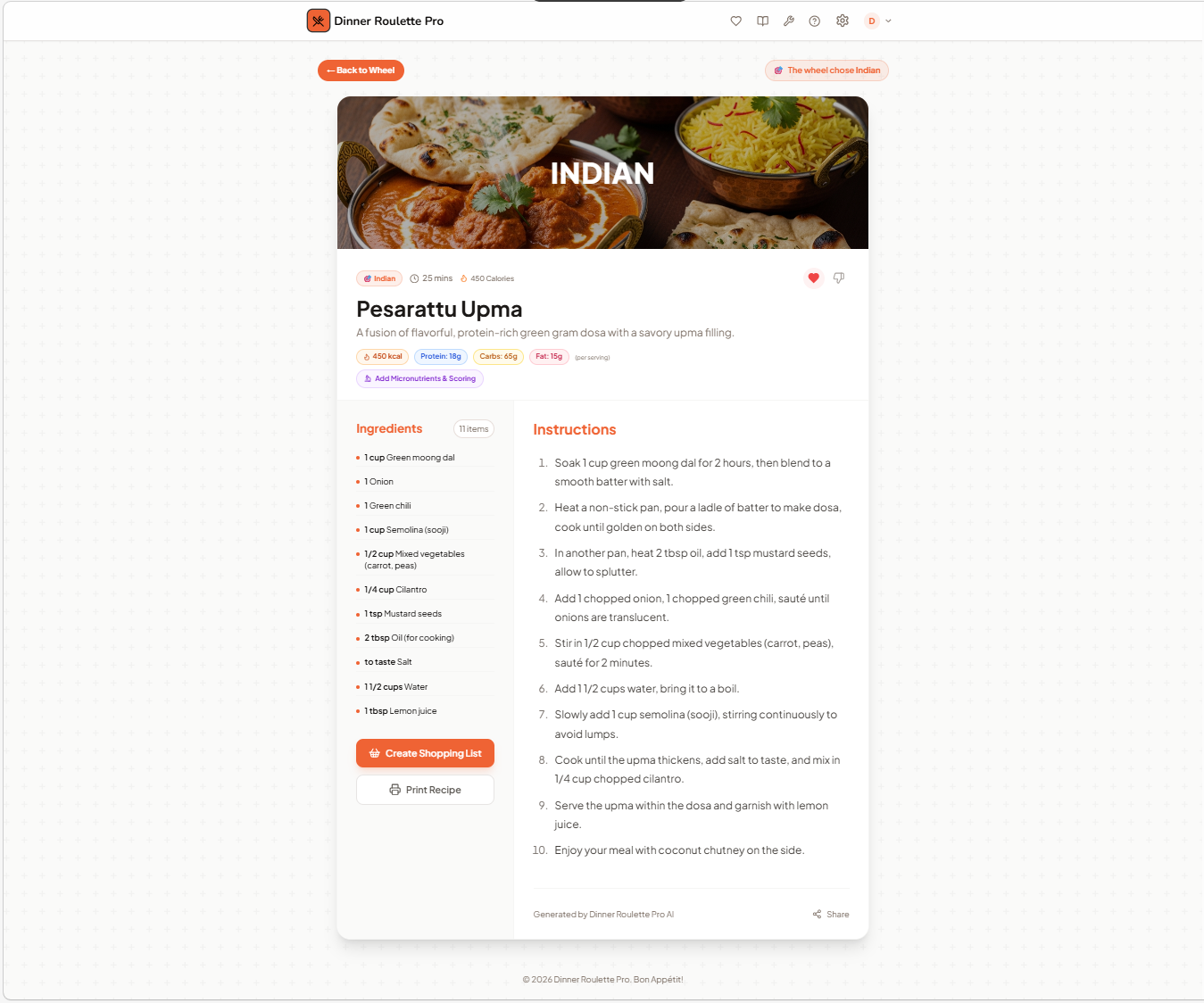
A recipe card for "Pesaraattu Upma," a "protein-rich green gram dosa with a savory upma filling." The image prominently displays a close-up of the dish, featuring golden-brown dosas, a rich curry, and fluffy rice. The recipe details include ingredients like green moong dal, semolina, and mixed vegetables, along with step-by-step instructions and nutritional information. The recipe is tagged as "Indian" and is attributed to "Dinner Roulette Pro AI."
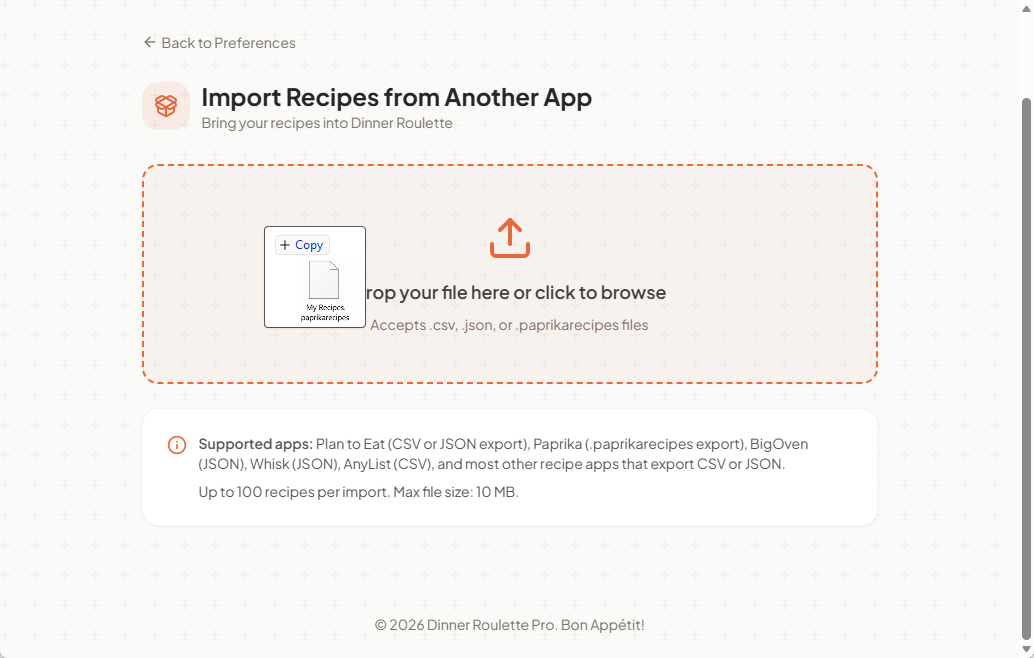
A screenshot of a web application interface titled 'Import Recipes from Another App'. The interface features a drag-and-drop area with an upload icon and text instructing users to 'Drop your file here or click to browse'. Below this, a section lists 'Supported apps' and details import limits. A small preview of a file named 'My Recipes paprikarecipes' is visible within the drag-and-drop area, along with a 'Copy' button. The application name 'Dinner Roulette Pro. Bon Appétit!' is visible at the bottom.
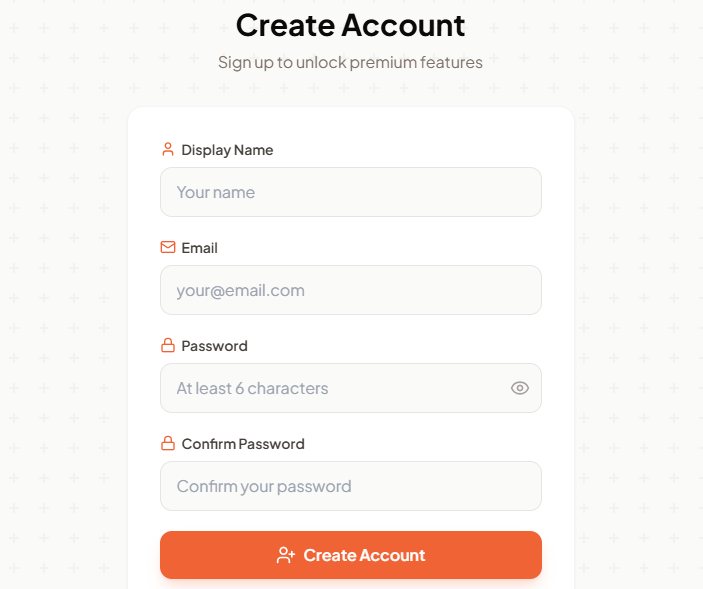
A registration page with fields for display name, email, password, and confirm password. The page title is 'Create Account', and a subtitle indicates 'Sign up to unlock premium features'. The 'Create Account' button is prominent and orange.
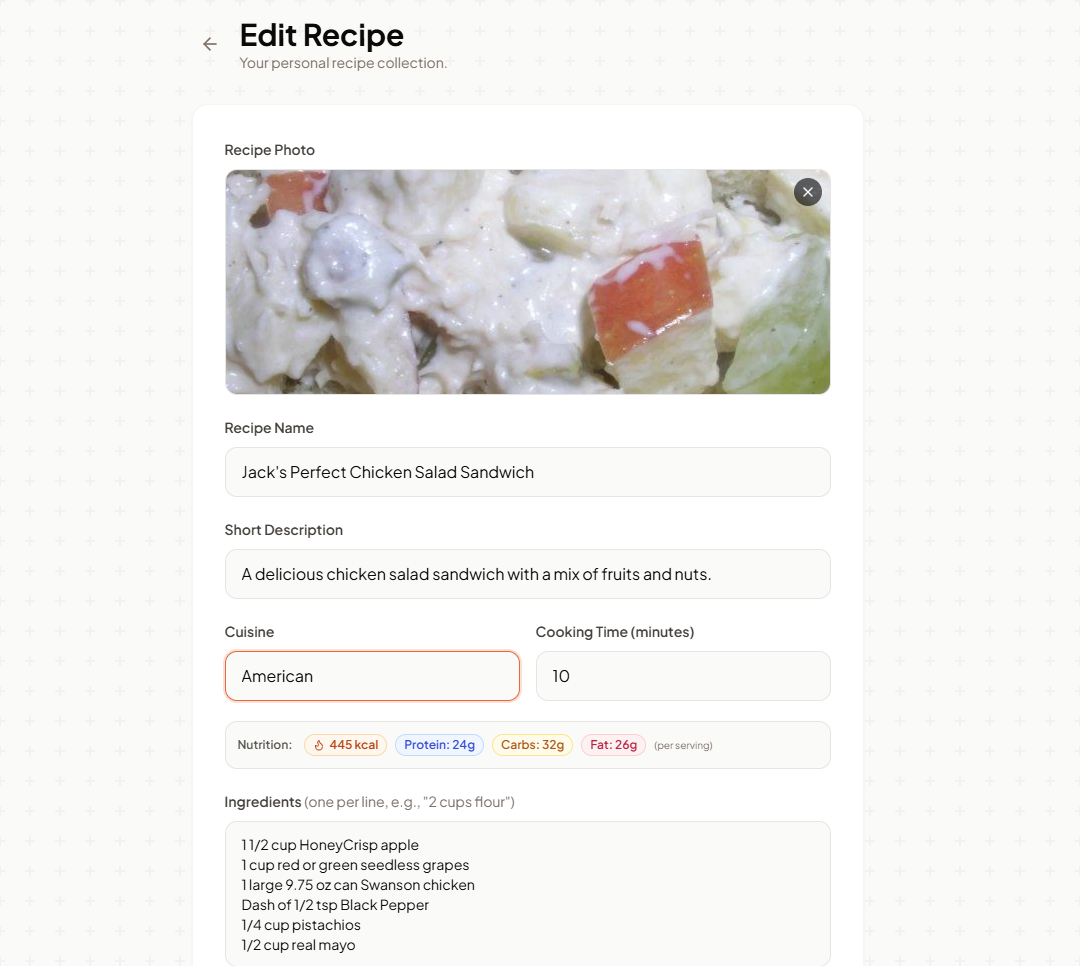
A screenshot of a recipe editing form for a "Jack's Perfect Chicken Salad Sandwich". The form includes fields for a recipe photo, recipe name, short description, cuisine, cooking time, nutrition information (calories, protein, carbs, fat), and ingredients. The recipe photo shows a close-up of chicken salad with visible pieces of apple and possibly grapes.
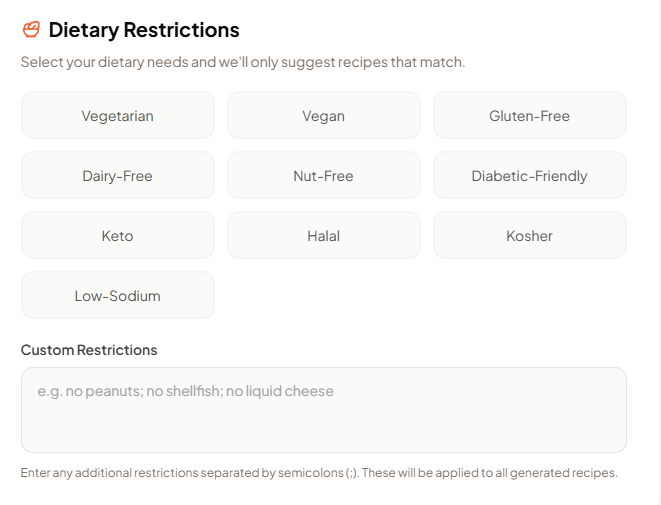
A UI element showing dietary restriction options. The header reads 'Dietary Restrictions' with a small orange icon resembling a bowl of food. Below the header, a sentence explains that users can select dietary needs to get tailored recipes. Several buttons are arranged in a grid: Vegetarian, Vegan, Gluten-Free, Dairy-Free, Nut-Free, Diabetic-Friendly, Keto, Halal, and Kosher. At the bottom, there is a section for 'Custom Restrictions' with a text input field and placeholder text 'e.g. no peanuts; no shellfish; no liquid cheese'. A final instruction below the text field reads: 'Enter any additional restrictions separated by semicolons (;). These will be applied to all generated recipes.'
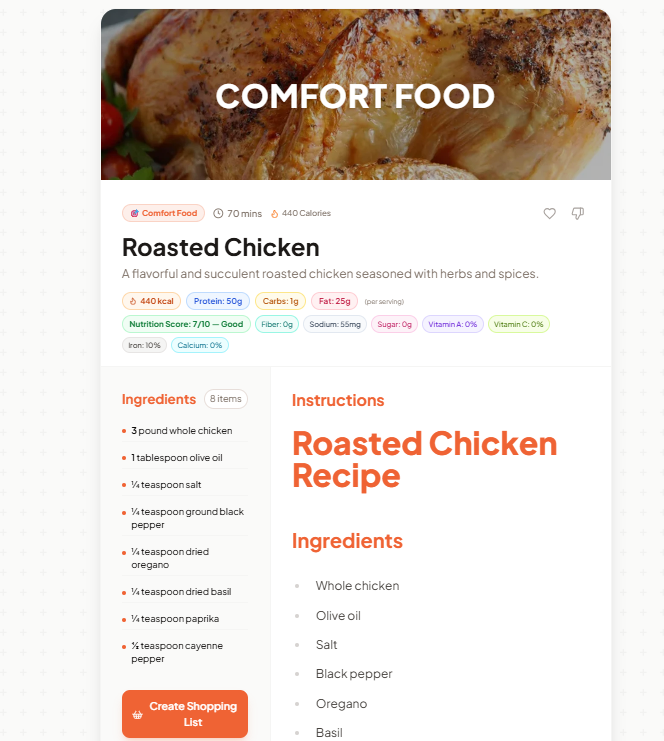
A recipe for roasted chicken is displayed on a white background. The top of the image features a close-up of a golden-brown roasted chicken with the words "COMFORT FOOD" in white text superimposed. Below the chicken image, the recipe title is "Roasted Chicken" with a brief description. Nutritional information is presented in small colored tags, including calories, protein, carbs, fat, and a nutrition score. Ingredients are listed on the left with bullet points, followed by a button to "Create Shopping List." On the right, the instructions are titled "Roasted Chicken Recipe," followed by a list of ingredients.
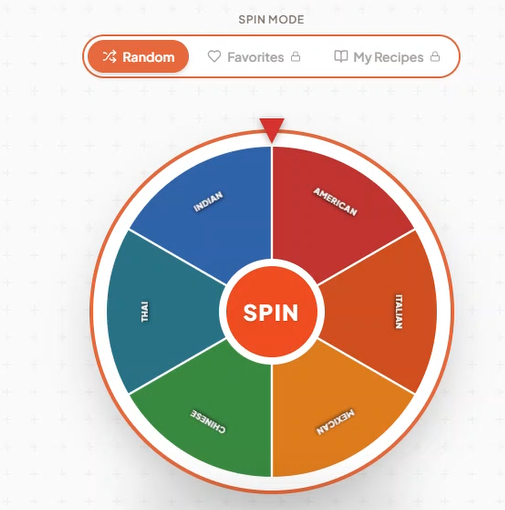
A spinning wheel with different cuisines labeled on its segments, and a central button that says 'SPIN'. The wheel is surrounded by a thin orange border and is set against a light gray background with a subtle grid pattern. At the top, there are three selectable modes: 'Random', 'Favorites', and 'My Recipes'.
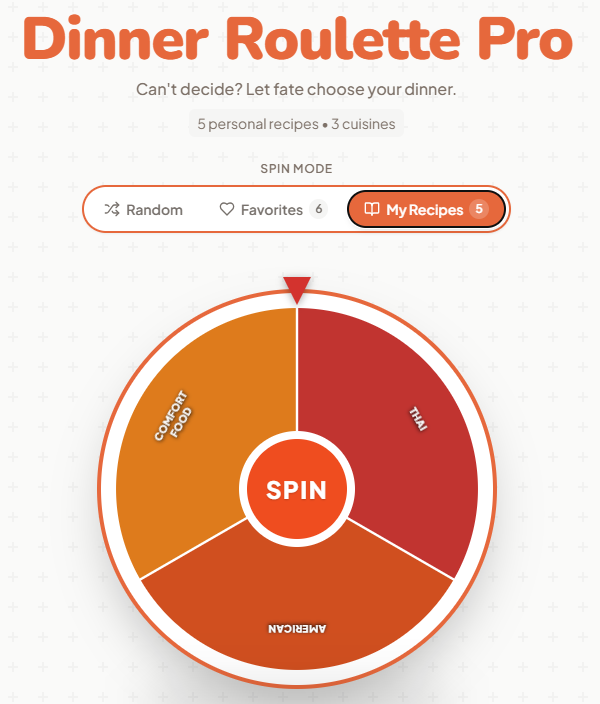
A digital interface for a "Dinner Roulette Pro" app is displayed, featuring a spinning wheel with three sections: "Comfort Food", "American", and "Thai". The wheel is centered on a "SPIN" button. Above the wheel, there are options to select "Random", "Favorites" (with a count of 6), and "My Recipes" (with a count of 5). The app's title, "Dinner Roulette Pro", is prominently displayed at the top, along with the tagline "Can't decide? Let fate choose your dinner.".
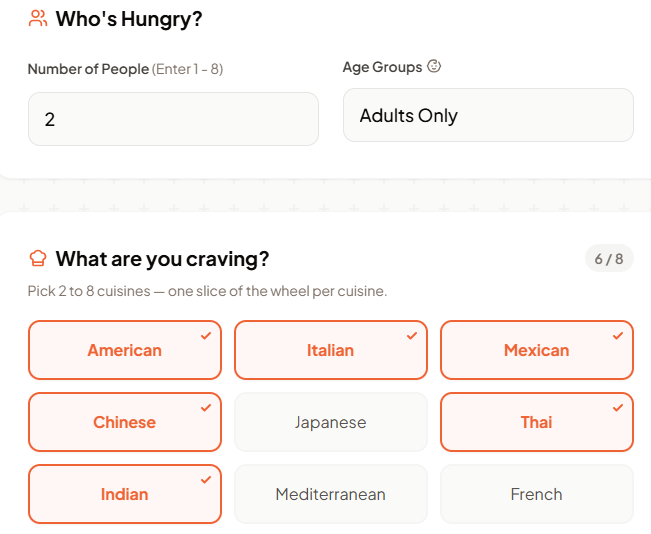
A digital interface displays a user preference form asking 'Who's Hungry?' and 'What are you craving?'. The first section allows users to input the number of people and select an age group, with '2' entered for the number of people and 'Adults Only' selected for the age group. The second section presents a grid of cuisine options, with 'American', 'Italian', 'Chinese', and 'Thai' highlighted as selected, and 'Mexican', 'Japanese', 'Indian', 'Mediterranean', and 'French' as available options. The page indicates '6/8' progress.
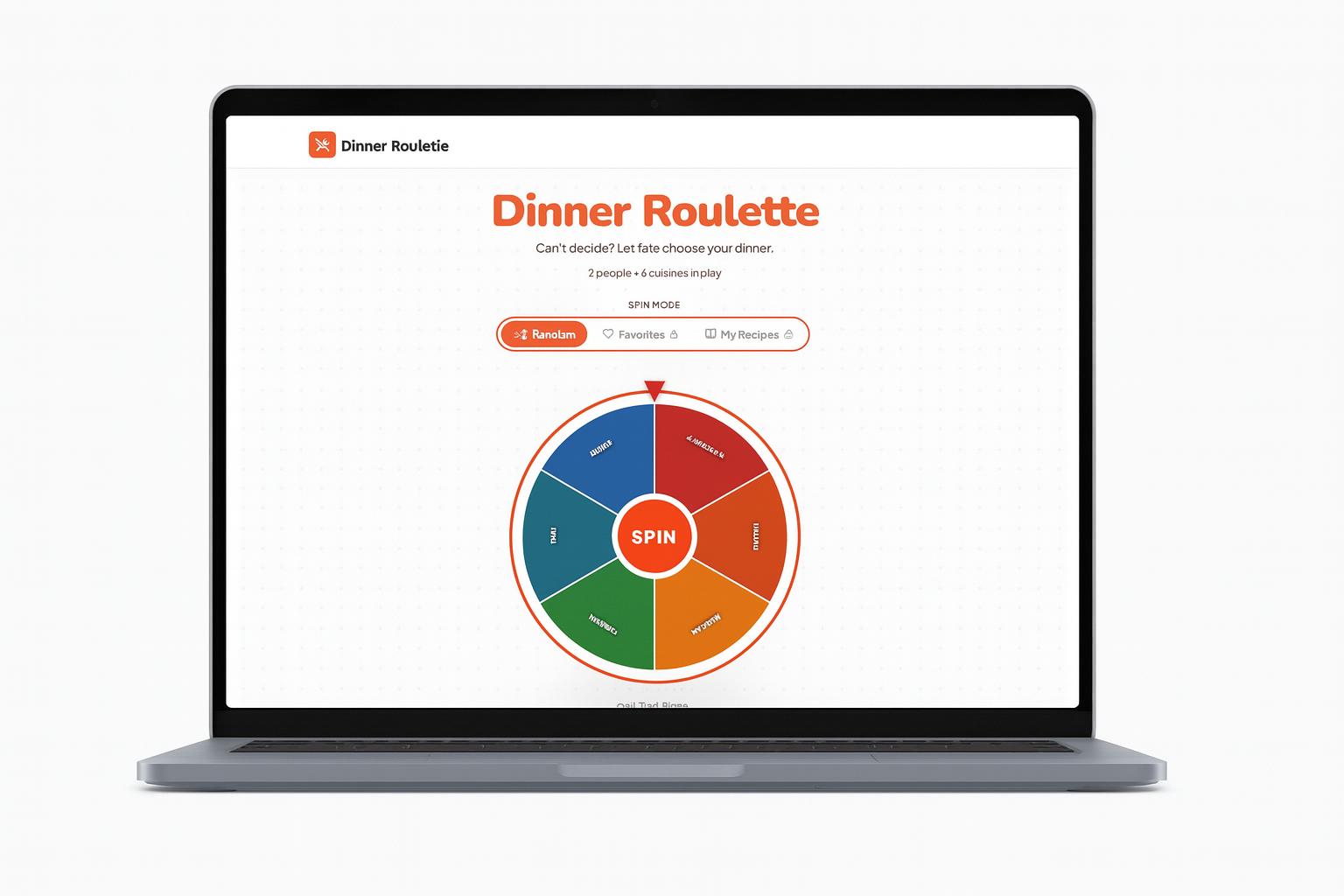
A laptop screen displays a website called "Dinner Roulette." The page features a spinning wheel divided into six colorful sections, each representing a different cuisine. The wheel has a central button labeled "SPIN." Above the wheel, text reads "Dinner Roulette" and "Can't decide? Let fate choose your dinner." Options for "Random," "Favorites," and "My Recipes" are also visible. The overall design is clean and modern with a white background and orange accents.
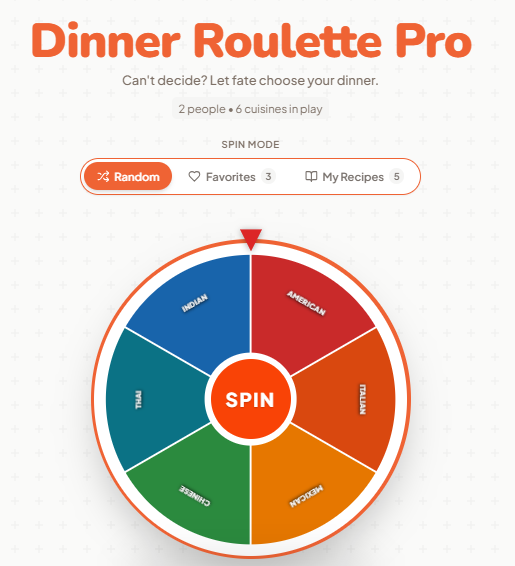
A digital roulette wheel designed for choosing dinner options. The wheel is divided into six segments, each labeled with a different cuisine: Indian, American, Italian, Mexican, Chinese, and Thai. In the center of the wheel, a button reads 'SPIN'. Above the wheel, the app's title 'Dinner Roulette Pro' is displayed prominently, along with a tagline and options to select 'Random', 'Favorites', and 'My Recipes'. The background features a subtle grid pattern.
Videos

Frequently Asked Questions
When was Dinner Roulette Pro founded?
Dinner Roulette Pro was founded in 2026.
Which days is Dinner Roulette Pro open?
Open on Monday, Tuesday, Wednesday, Thursday, Friday.
What languages does Dinner Roulette Pro specialize in?
English.
What are Dinner Roulette Pro specialties?
AI Recipe Generation, AI Auto size recipes 1-8 people different family mix, Macro nutrients, micronutrients, meal scoring, diabetes score, Recipe Preservation, Present 1 choice at a time - remove desision fatigue, Customizable shopping lists.
What are Dinner Roulette Pro main products?
Dinner Roulette Pro.
What are Dinner Roulette Pro main services?
AI-powered meal planning, AI-powered recipe generation, dietary restriction management, recipe sharing, nutrition analysis, diabetes scoring, meal scoring.
Attention business owner!
Register your business now and enhance your global reach with iGlobal.
Copied to clipboard!